Fewer, smarter questions — not more testing

Know what each student
actually understands.

A grade tells you a student scored 68%. It doesn't tell you which idea they missed, why they missed it, or what to do on Monday. iTeach works at the level of individual concepts — so the answer to "what next?" is specific.

For students, parents, teachers and school leaders · Available in Persian and English

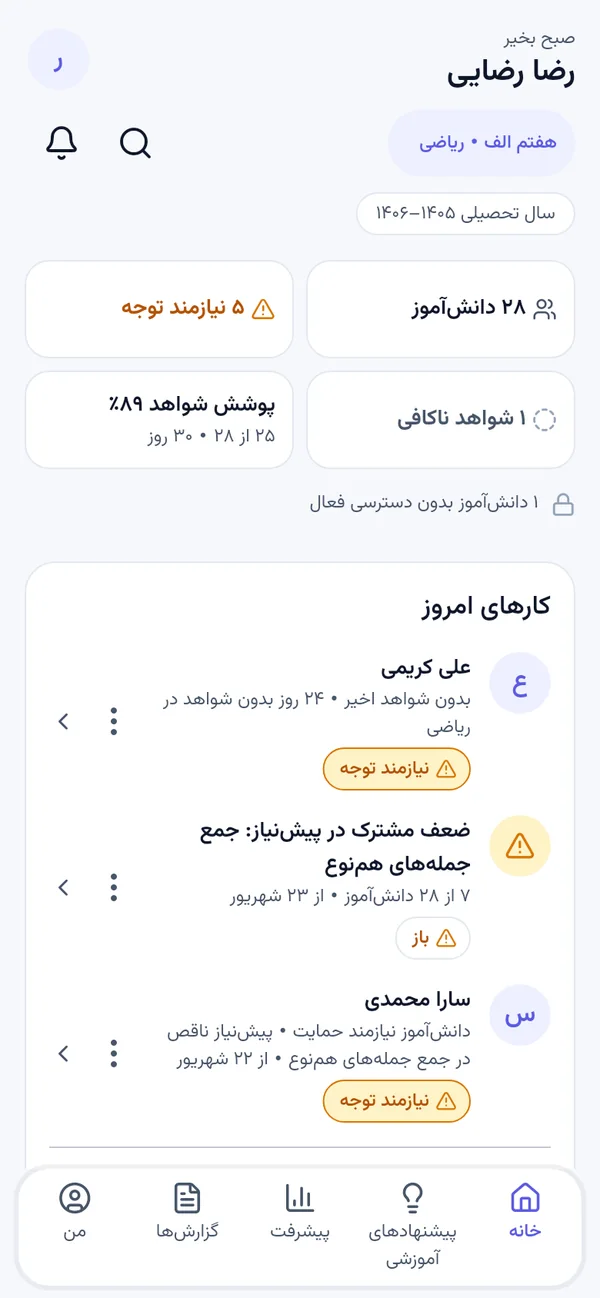
iTeach on a laptop with the student app beside it
30–40
Questions, not thousands
Concept
Level, not chapter level
4
Roles, each with its own view
فا / EN
Persian and English
The problem

Exams produce scores, and hide the truth

Everyone in a school gets a number. Nobody gets an explanation.

“I got 68%. Now what?”

Students learn where they landed, but not which idea to go back to, or what to safely skip.

“Half the class got it wrong.”

Teachers see the score distribution, but not the specific misconception driving it — so they re-teach everything, or guess.

“Is my child improving?”

Parents see grades going up and down, with no way to tell real learning from an easier test.

How it works

Diagnose precisely, then act on it

Assessment stops being a one-off measurement and becomes the thing that drives what happens next.

Step one

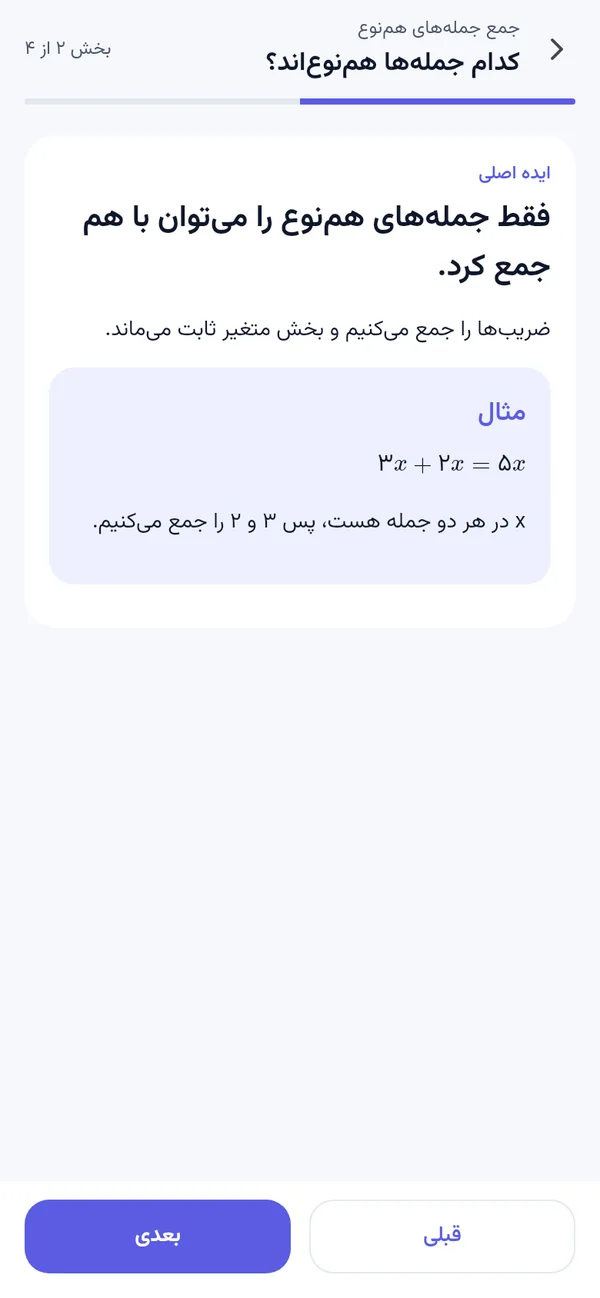
A short diagnostic that finds the real gap

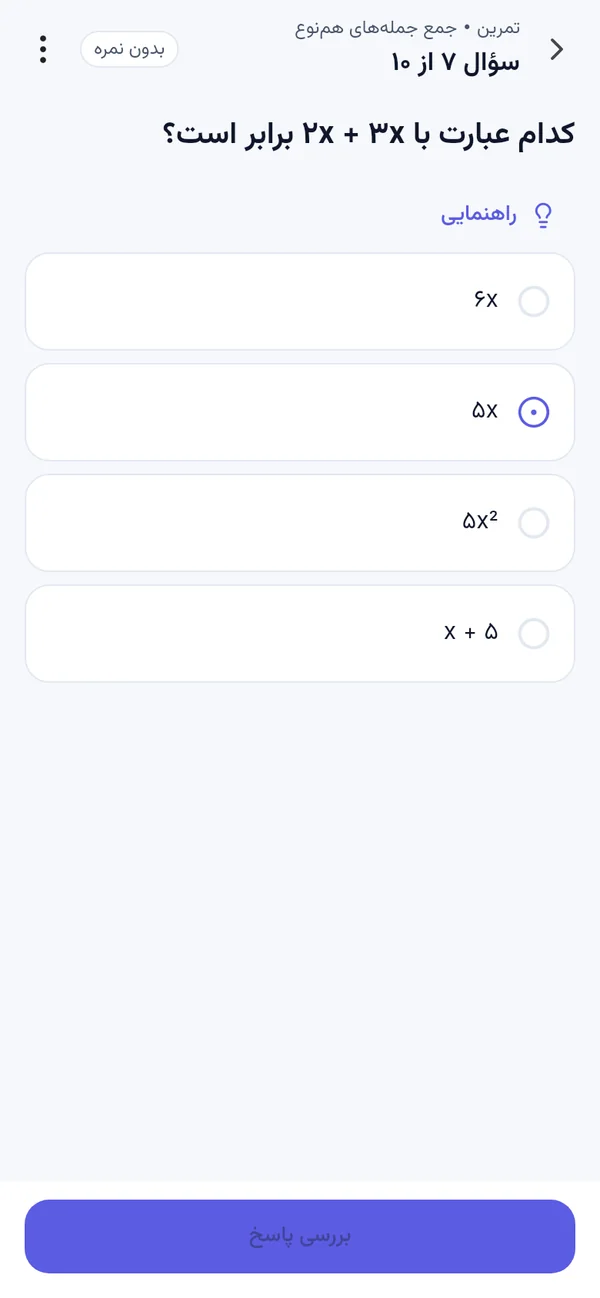
Rather than working through a huge question bank, a student answers a small, carefully chosen set — each one picked to reveal the most about what they do and don't understand. The result is a map of their knowledge, not a single number.

  • Short by design. Tens of targeted questions instead of thousands of random ones.
  • Concept by concept. Results land on specific ideas, not on “algebra”.
  • Prerequisites included. If the gap is two years back, it says so.
A short diagnostic in progress
Step two

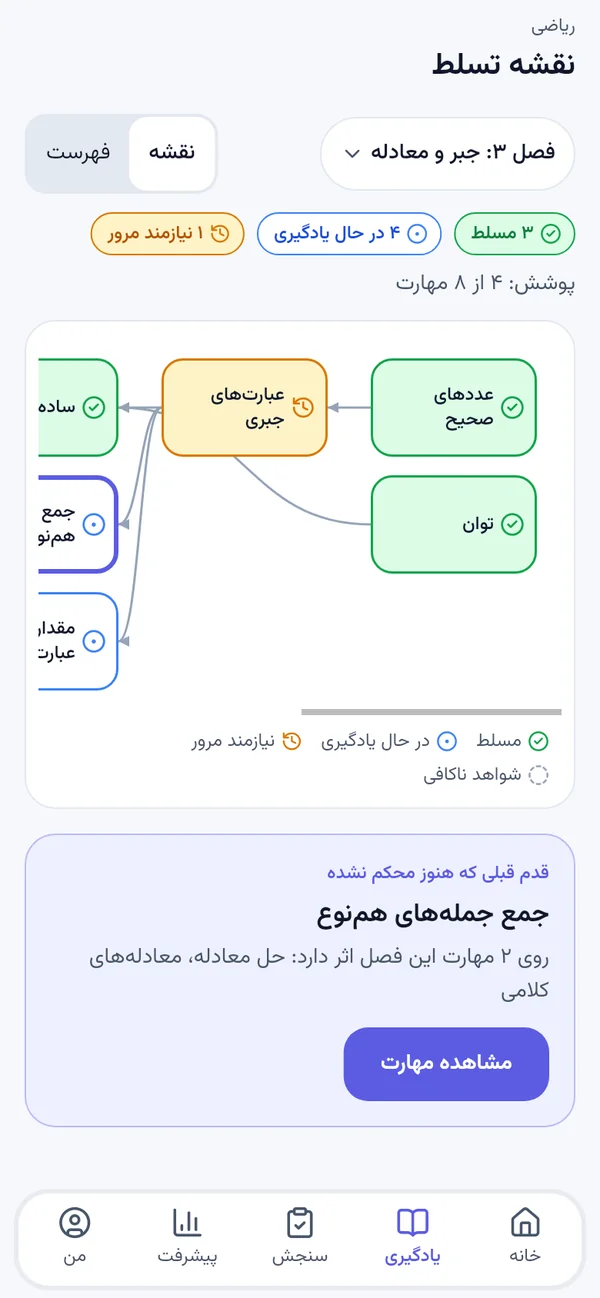
A study plan that says what to do next, and why

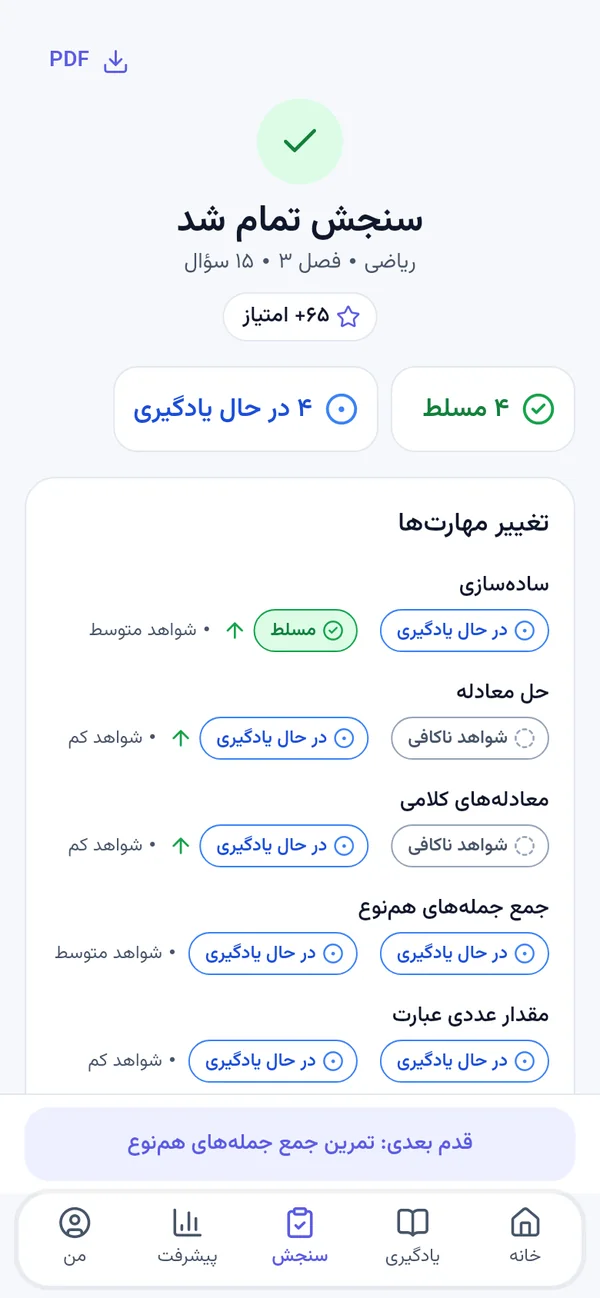
Every student gets an ordered plan built from their own results — the concept to review first, the reason it matters, and the practice that closes the gap. Prerequisites come before what depends on them, always.

  • Ordered, not listed. First thing first, with the reasoning shown.
  • Targeted practice aimed at the gap, not at the whole chapter.
  • Explained in plain language so a student can follow it alone.
A student's personal study plan
Step three

The classroom picture, while it still matters

Teachers see the whole class at concept level: which idea most students are missing, which wrong answer they keep choosing and what that reveals, and who needs help now — early enough to change the next lesson.

  • Shared misconceptions surfaced — the popular wrong answer, and what it means.
  • Per student and per class in the same view.
  • Actionable immediately, not after the marking is done.
Teacher dashboard showing class-wide concept results
For your school

Everyone sees what is useful to them

One platform, a separate experience for each role — nobody wades through someone else's dashboard.

Students

A clear map of what they know, and a plan that answers “what should I study next, and why?”

Parents

Real progress over time — growth in understanding, not a graph of test scores.

Teachers

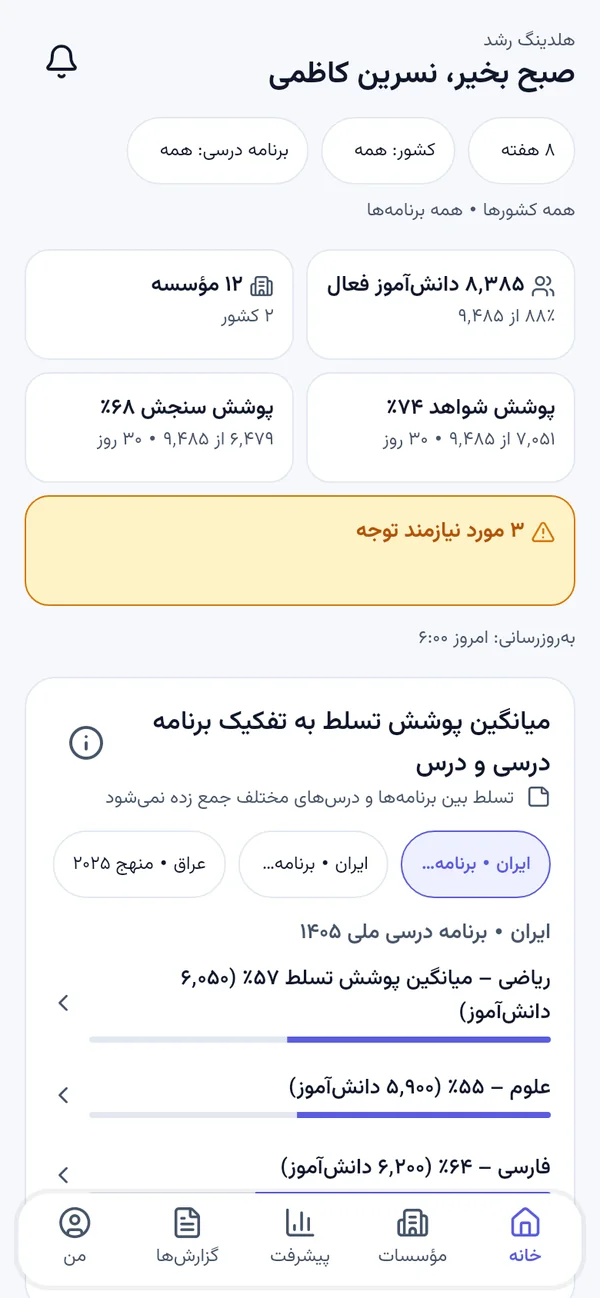
Concept-level dashboards per student and per class, showing exactly where to intervene.

School leaders

A school-wide view of where students consistently struggle, and where teaching is working.

Languages

Built bilingual, not translated afterwards

iTeach ships in Persian and English. Right-to-left layout, mathematical notation and question content are handled properly in both — the same platform, not a reskinned export.

Talk to us about your school
English
Review equivalent fractions first — it is what the next three topics depend on.
فارسی
ابتدا کسرهای معادل را مرور کن — سه مبحث بعدی به آن وابسته است.
Apps

On the phone and in the browser

Students and parents get a mobile app. Teachers and school staff work in a full browser dashboard.

Students & parents

An app that fits into the day

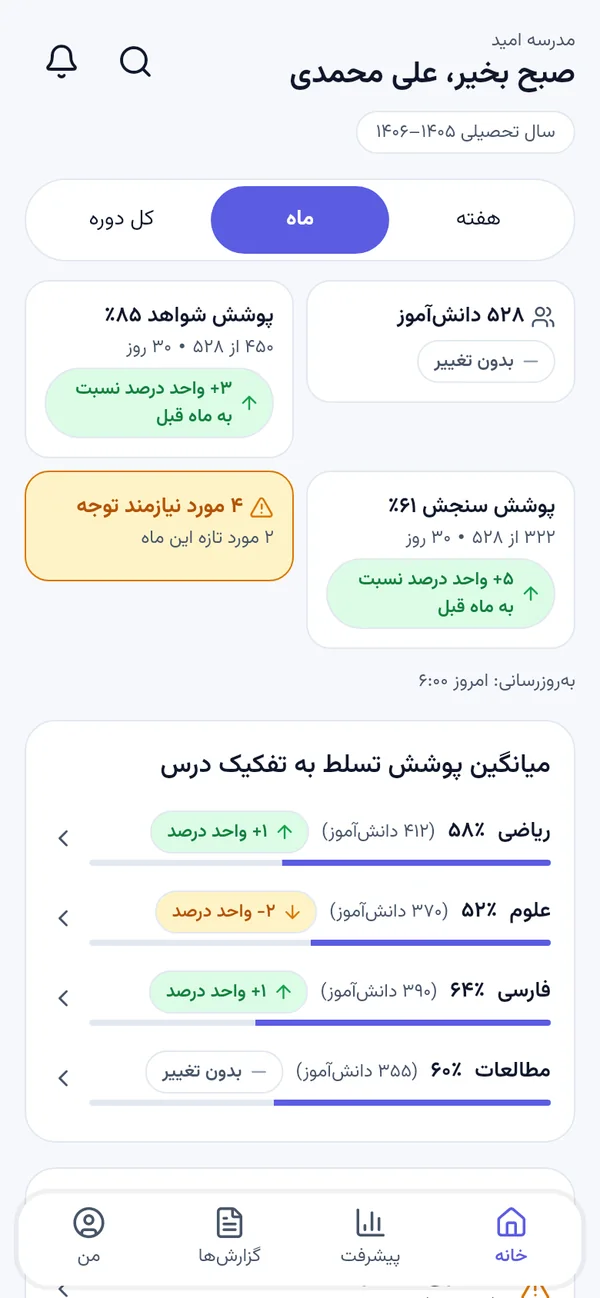
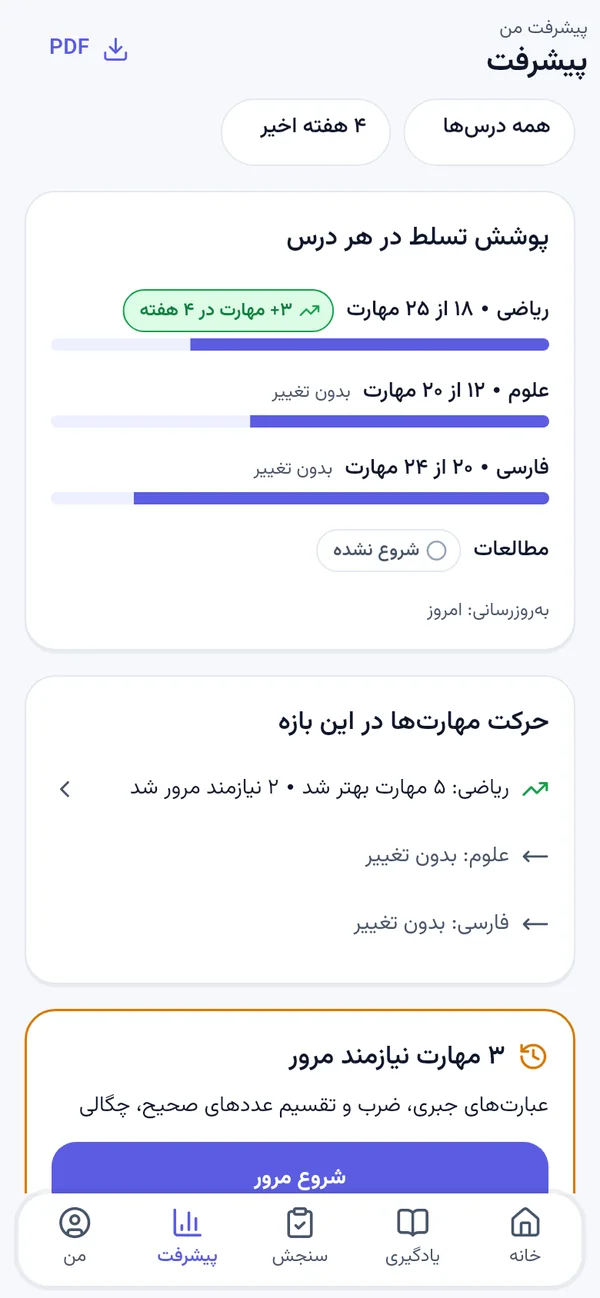
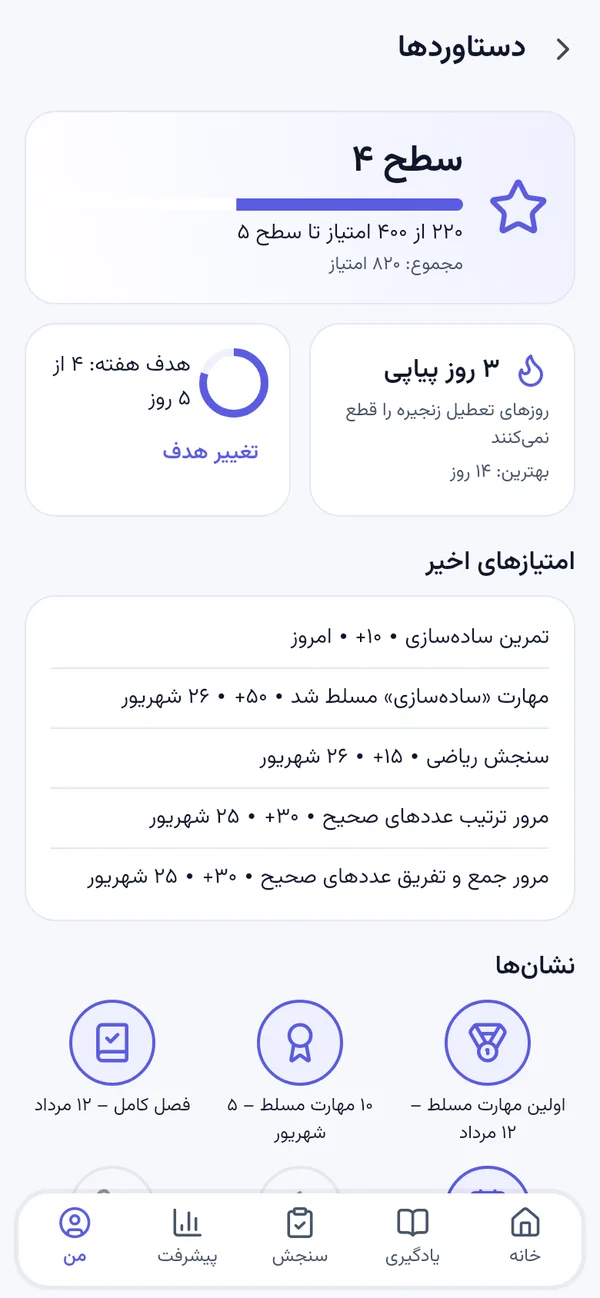
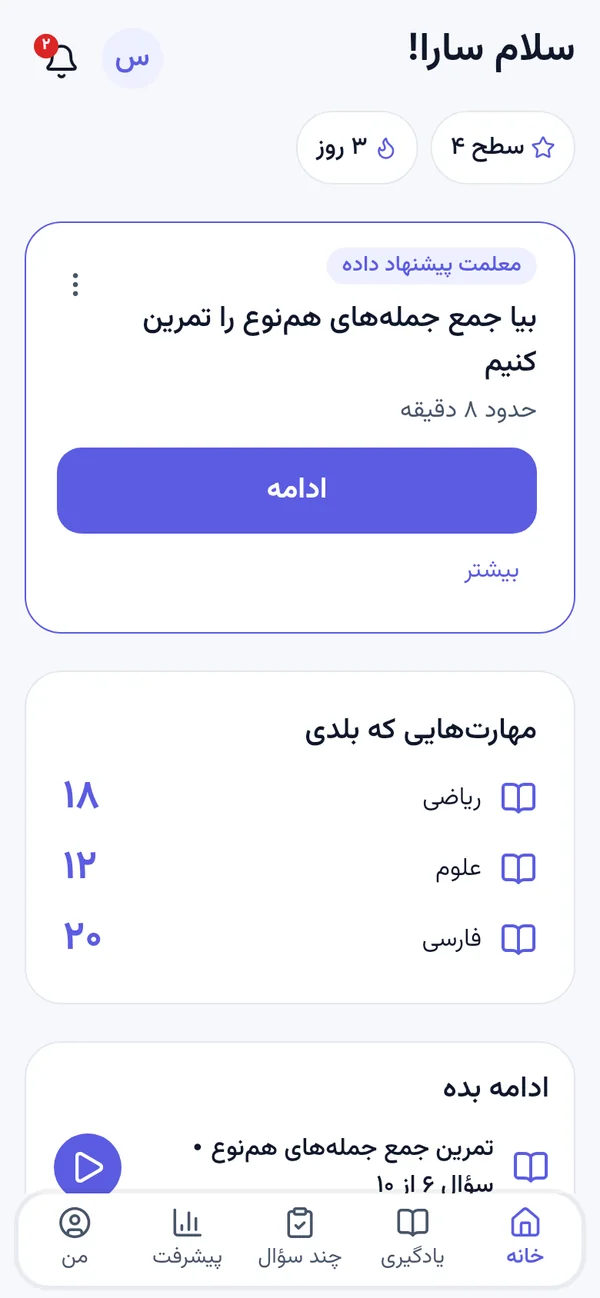
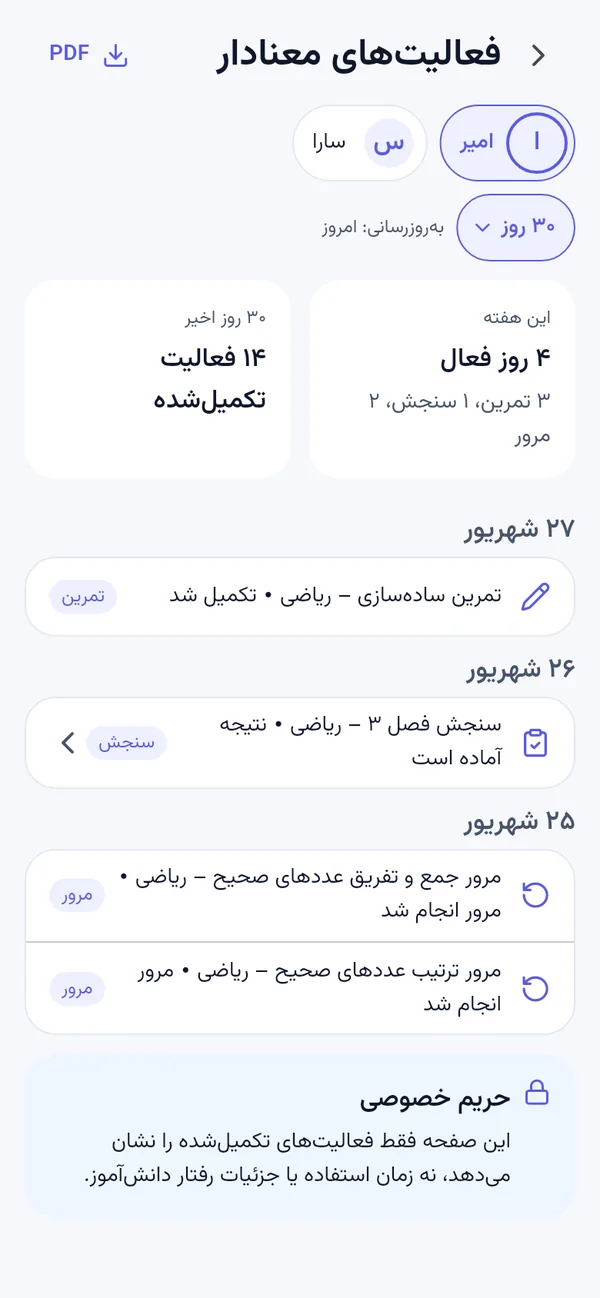
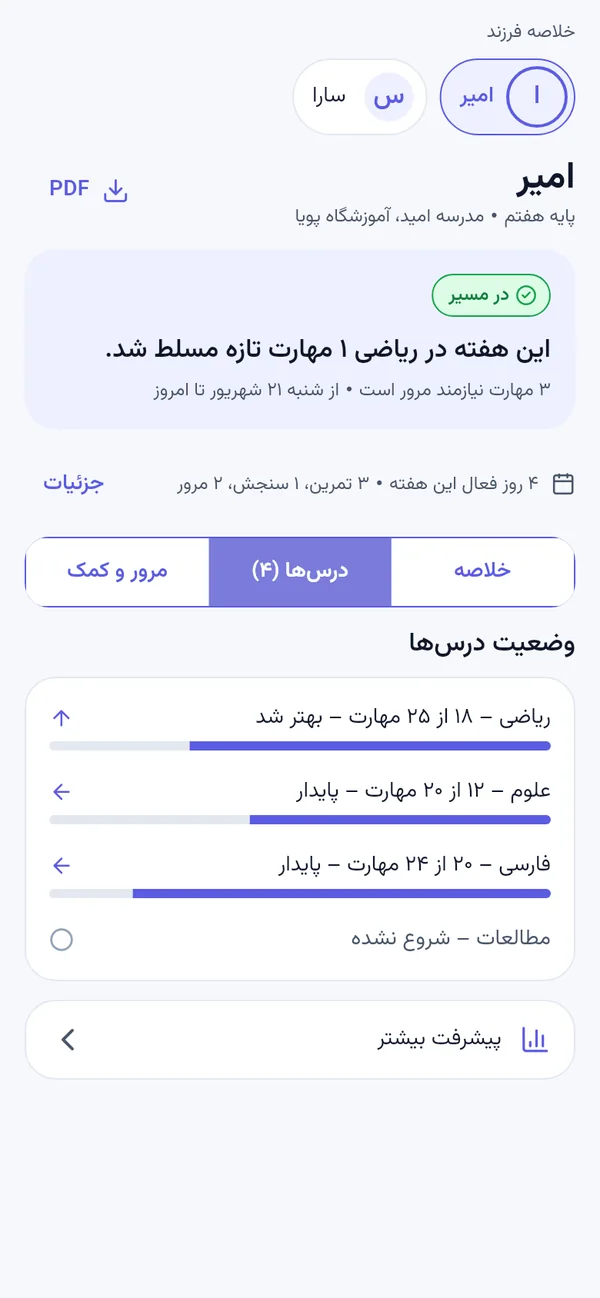
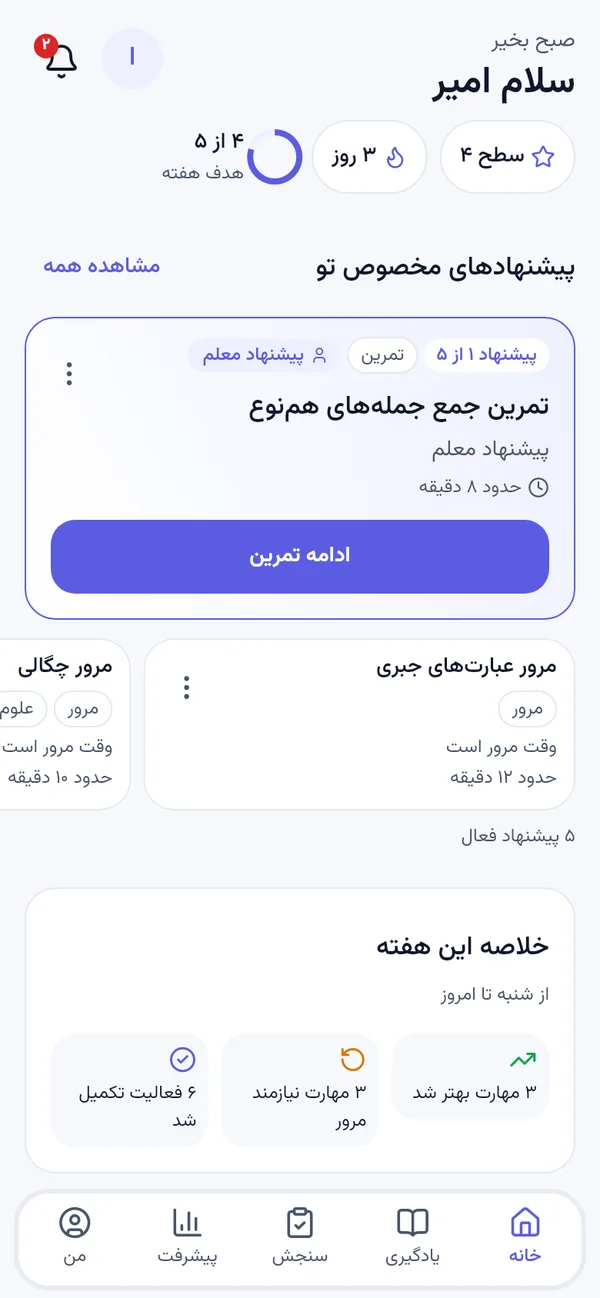
Take a diagnostic, follow the plan, and check progress from a phone — on both iOS and Android. Parents get their own view of the same journey, without seeing the student's workspace.

iTeach student app on a phone
Teachers & staff

A dashboard with room to think

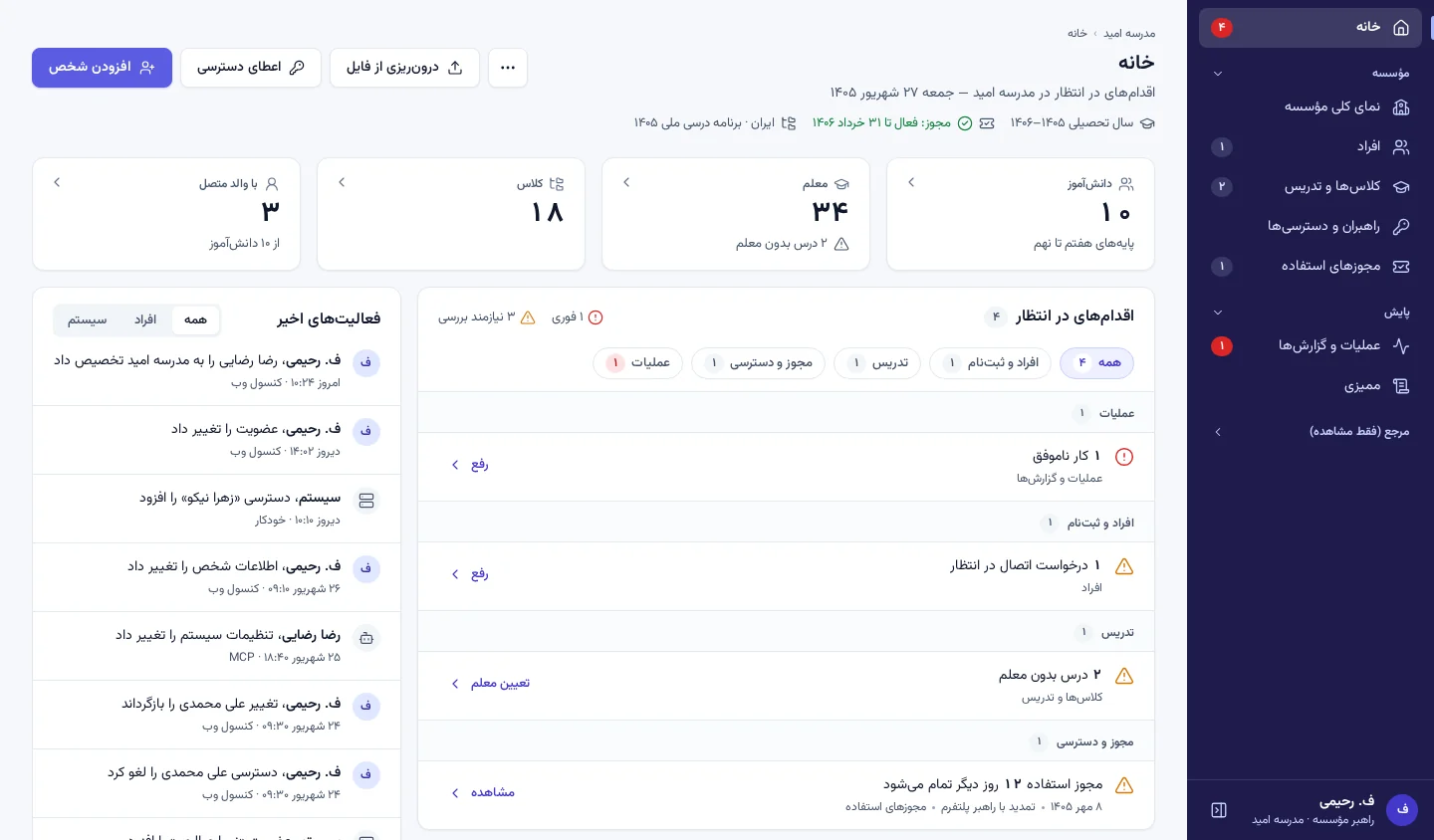
Class dashboards, individual student detail and school-level views run in any modern browser — nothing to install on school machines.

iTeach teacher dashboard in a browser
Secure connection

Details of the connection that loaded this page

Site
Scheme
Transport
Loaded

A padlock and https mean your browser verified this site's certificate before showing you anything.

Bring it to your school

We'll walk through a real diagnostic, the plan it produces, and what the dashboards show — with your subject and your year group.

Request a demo Already invited? Sign in See how it works

Access is by invitation. We issue it to named people for a set period, and it is tied to the device you set it up on.